How to integrate with Ecomposer, Gem Pages?
Follow the steps from this link to add Custom Shopify Liquid Code. https://help.ecomposer.io/docs/editor-elements/shopify-elements/code/
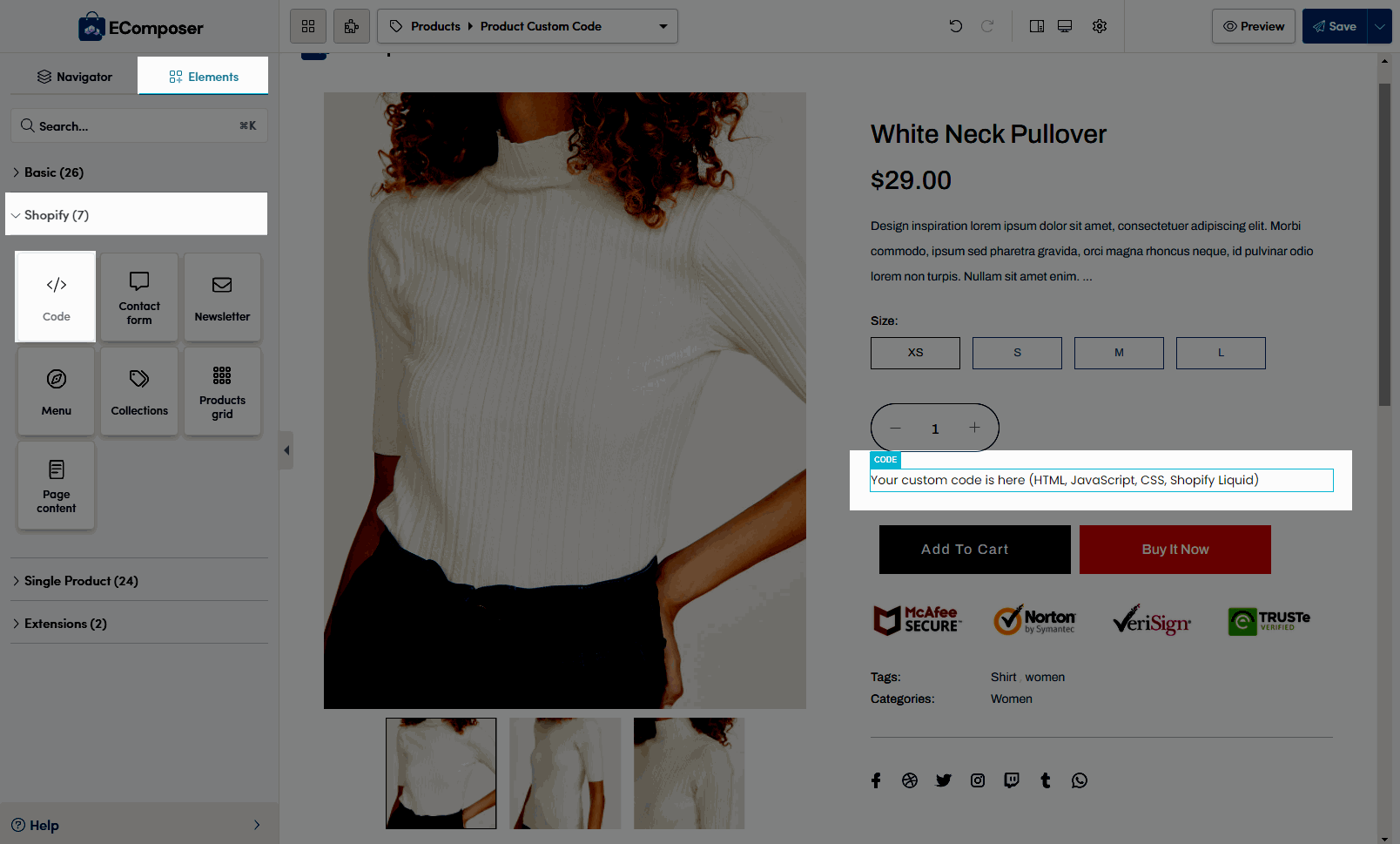
Liquid Code to copy and paste:
<div class="wizup-app sg-floatingpop" data-myshopifydomain="{{ shop.permanent_domain }}" data-widgettype="reels" data-productid="{{ product.id }}" data-collectionid="{{ collection.id }}" data-templatename="{{ template.name }}" > </div>Note:
- Replace data-widgettype
reelsfor slider widget.stories_typefor stories widget.banner_typefor banner widget.grid_typefor grid widget.spotlight_typefor spotlight widget.
IMPORTANT: Activate the App Embed "Vizup Embed" from the Shopify Theme Editor.
Watch below 6 seconds video to see how to enable App Embed FloatPop Reels: